Gemini for Mac can now operate your computer, not just answer questions
Google released computer use in the Gemini app for Mac, an AI agent that clicks, types and fills forms in a separate window while you keep working on your own screen.
Google announced on November 19, 2026 that computer use has arrived in the Gemini app for Mac. Until now Gemini mostly talked to you in a chat window. It can now open other apps, click buttons, type information and fill out forms to finish multi-step work on your machine.
1. What Gemini can do now
Computer use lets Gemini finish tasks across your local files, desktop apps and the web. You describe what you need, and Gemini handles the clicking, typing, menus and forms.
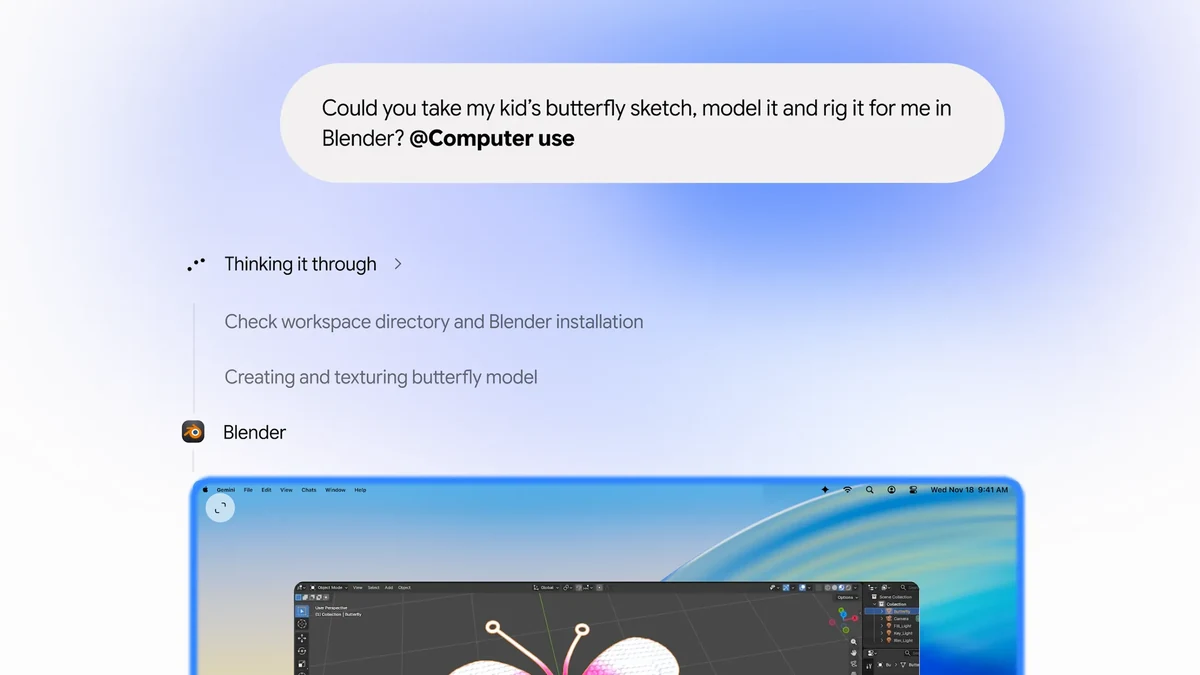
The work happens inside a separate background window. A live preview appears right in your Gemini chat, so you can watch each step without giving up your main screen. Your cursor stays yours the whole time.
2. How to start it and what you need
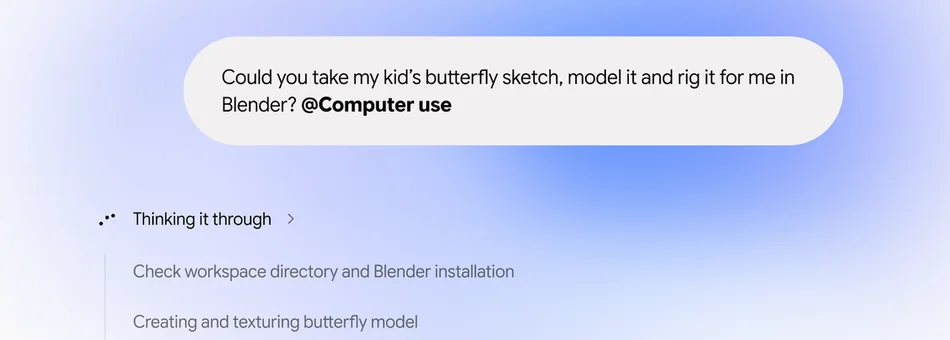
To call the agent, add @Computer use to your prompt. In the Customize and Connectors menus, new Desktop apps such as Blender and Autodesk Fusion now appear next to the existing Git and Obsidian integrations.
Availability is narrow at launch. Google's announcement lists the requirements: an Apple Silicon Mac running macOS Sequoia 15.0 or later, a personal Google account for users 18 and over, and a Google AI Plus, Pro or Ultra subscription. The feature is rolling out in English in the United States only. Google gave no date for other markets, so users in Malaysia will have to wait.
The first time Gemini asks to use an app, it offers three choices: deny, allow once, or always allow. You can also keep a blocklist of apps in the Computer use settings.
3. Examples Google suggests
Google's blog post and demo video show a few concrete jobs. Bulk color-grade photos in design software, pull weights, dimensions and addresses from local PDFs to fill out shipping quote forms, build slides from live dashboard metrics, and list clothing for sale on resale platforms.
In the official demo, Gemini is asked to take a child's butterfly sketch, model it and rig it in Blender. The agent opens Blender on the Mac desktop and builds the model step by step, with a cursor marker showing it is driving the session.

4. The safety controls in place
Google built in several layers of control. You choose which apps Gemini can access, watch every step live, pause at any time, and approve key actions before they happen.
For sensitive steps, Gemini stops and asks. According to 9to5Google's coverage of the launch, logins and payments pause by default until you confirm them.
The timing of this launch is telling. The Verge notes the feature landed just before Apple ships new restrictions in macOS 27.3 for apps requesting full disk access, a change aimed squarely at the risks of AI agents with computer access. We covered that warning in depth here: macOS 27.3 locks down full disk access, AI agents hit hardest.
5. Google arrives late to a busy market
TechCrunch frames this launch as Google being a little late. OpenAI, Anthropic and Meta have offered agentic features in their desktop apps for some time. This same week, Google also expanded Tasks on November 17, which can sign into websites, make purchases and book appointments, and began admitting early testers to CC, its household agent.
For Apple users, the competition is already close to home. Apple is reportedly building its own computer-using AI agent, as we wrote yesterday: Apple is building its own computer agent.
What it means for you
Agents that operate a computer are no longer demos. They are shipping as official features in apps you can download today, even though reach is still limited.
- Mac users in Malaysia will wait. The feature is US-only and English-only for now, and requires a Google AI Plus, Pro or Ultra plan.
- Start listing repetitive work now. Tasks like filling forms from PDFs, sorting files and building slides are the best candidates when the feature reaches our market.
- Permissions matter. Get familiar with the allowed and blocked app lists. Do not give blanket access to banking apps or personal files.
- Watch for Apple's warnings. macOS 27.3 will add warnings and indicators when one app controls another. Read them before approving any agent.