Not sure what you subscribe to
AI tools, streaming, cloud storage, apps and games. The list grows, but nothing keeps it in one place.
The Subscription Tracker puts every subscription on one dashboard: monthly and yearly totals, remaining budget, category breakdown and a list of plans worth reviewing. Fill it once and the dashboard does the maths.
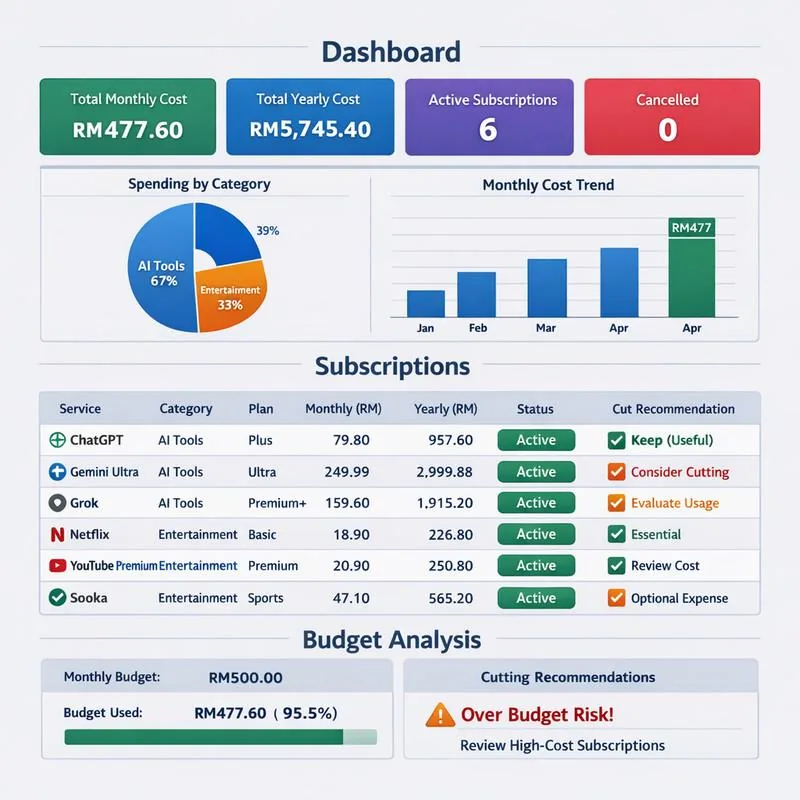
Sound familiar?
One subscription looks cheap. The problem is we rarely look at all of them together.
AI tools, streaming, cloud storage, apps and games. The list grows, but nothing keeps it in one place.
RM20 a month looks small. Multiply by 12 and add the others, and it is a different story.
You signed up for one project or a free trial, then kept getting charged every month.
Money leaves bit by bit through cards and e-wallets, so the cause is hard to see.
The solution
Enter your monthly budget and your subscriptions once. The template calculates monthly and yearly totals, remaining budget, category breakdown and potential savings automatically, then shows which plans are worth reviewing.
Look inside
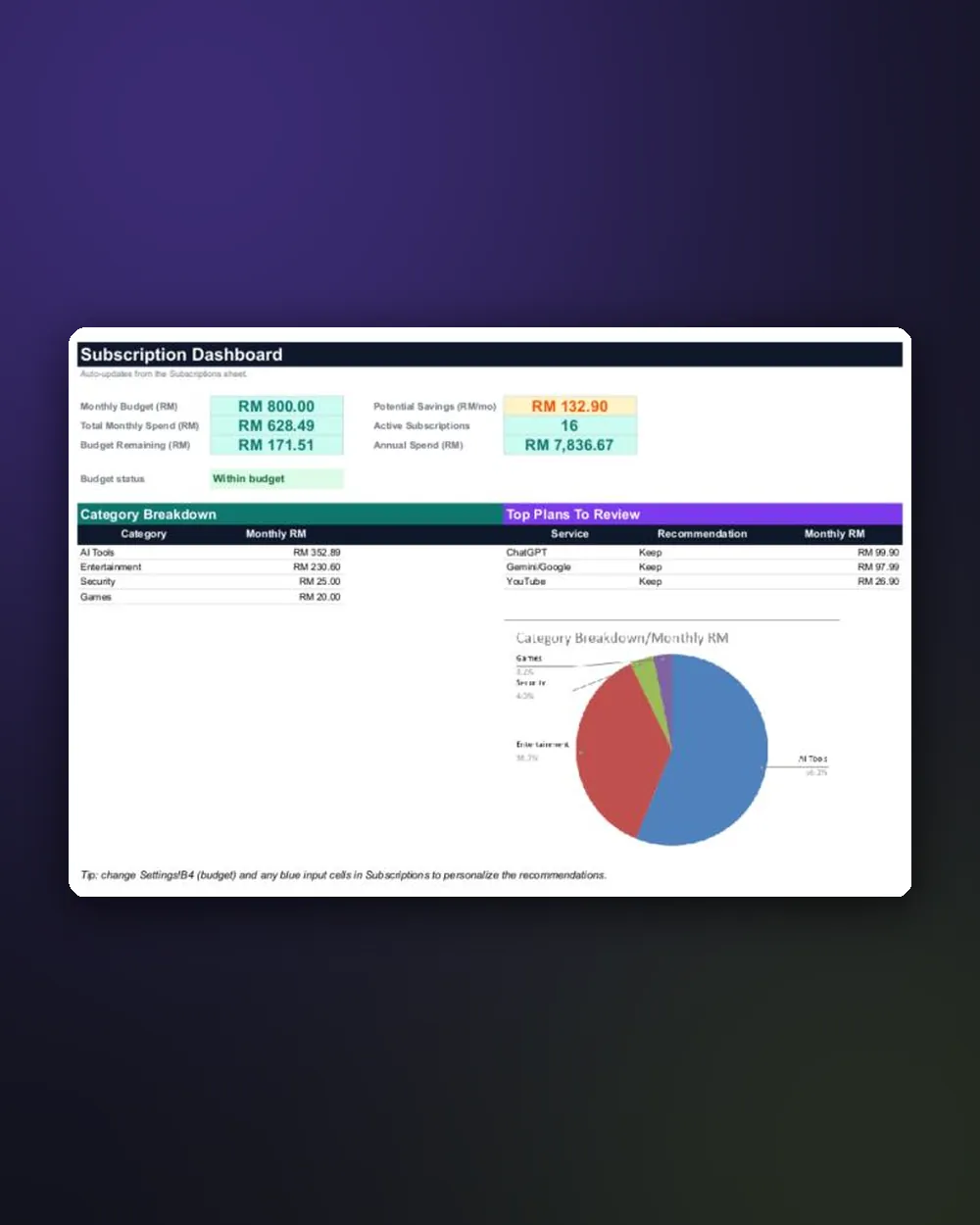
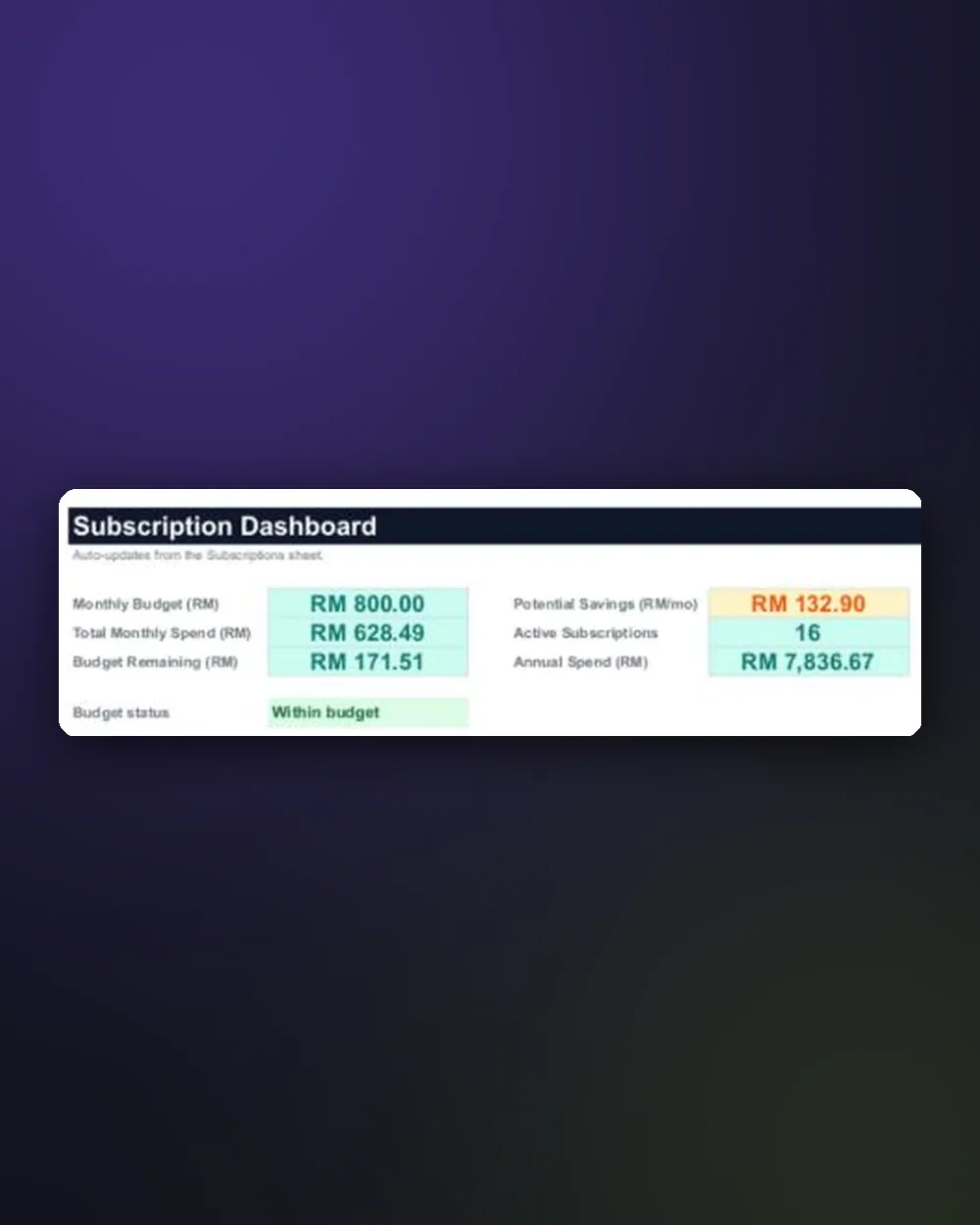
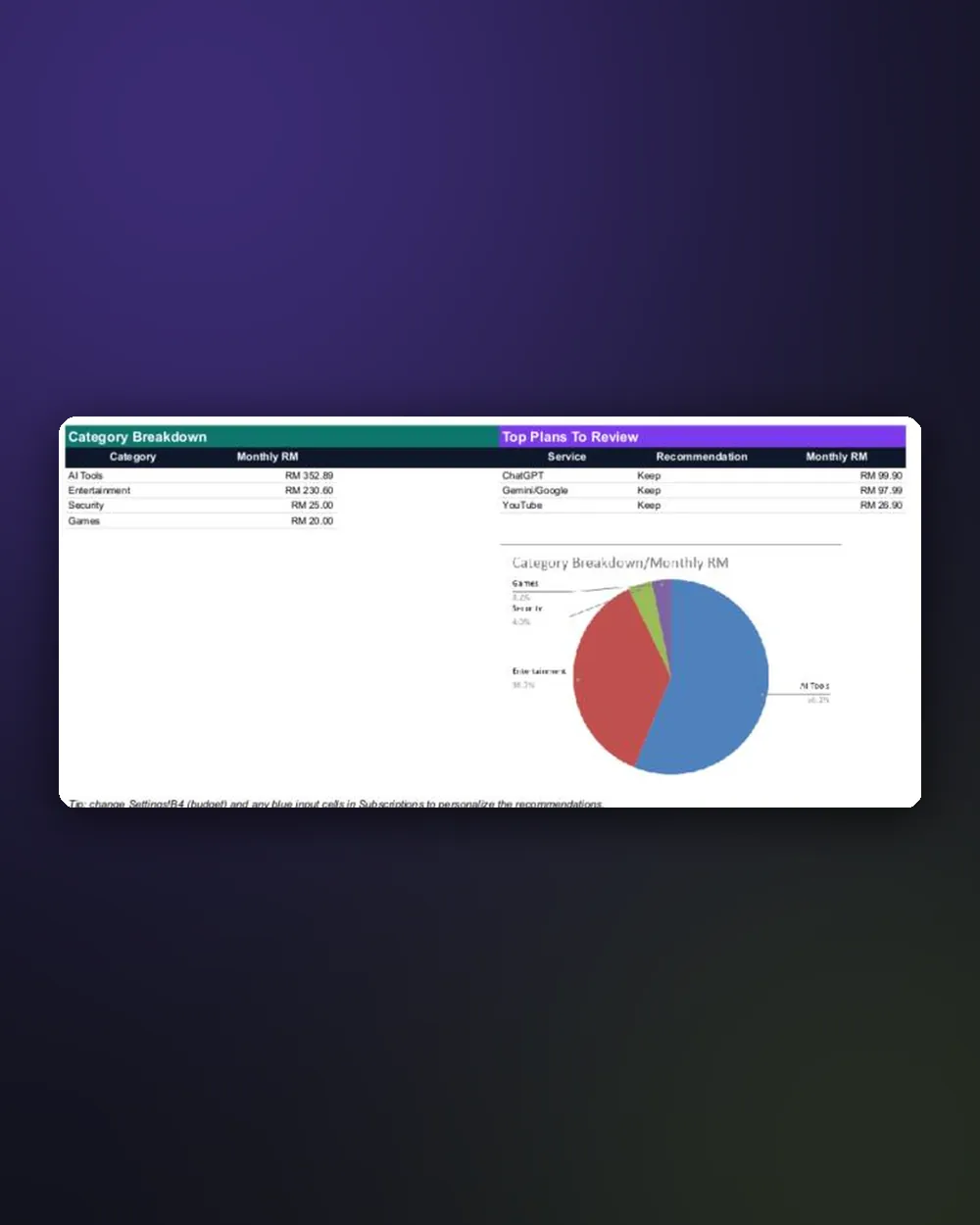
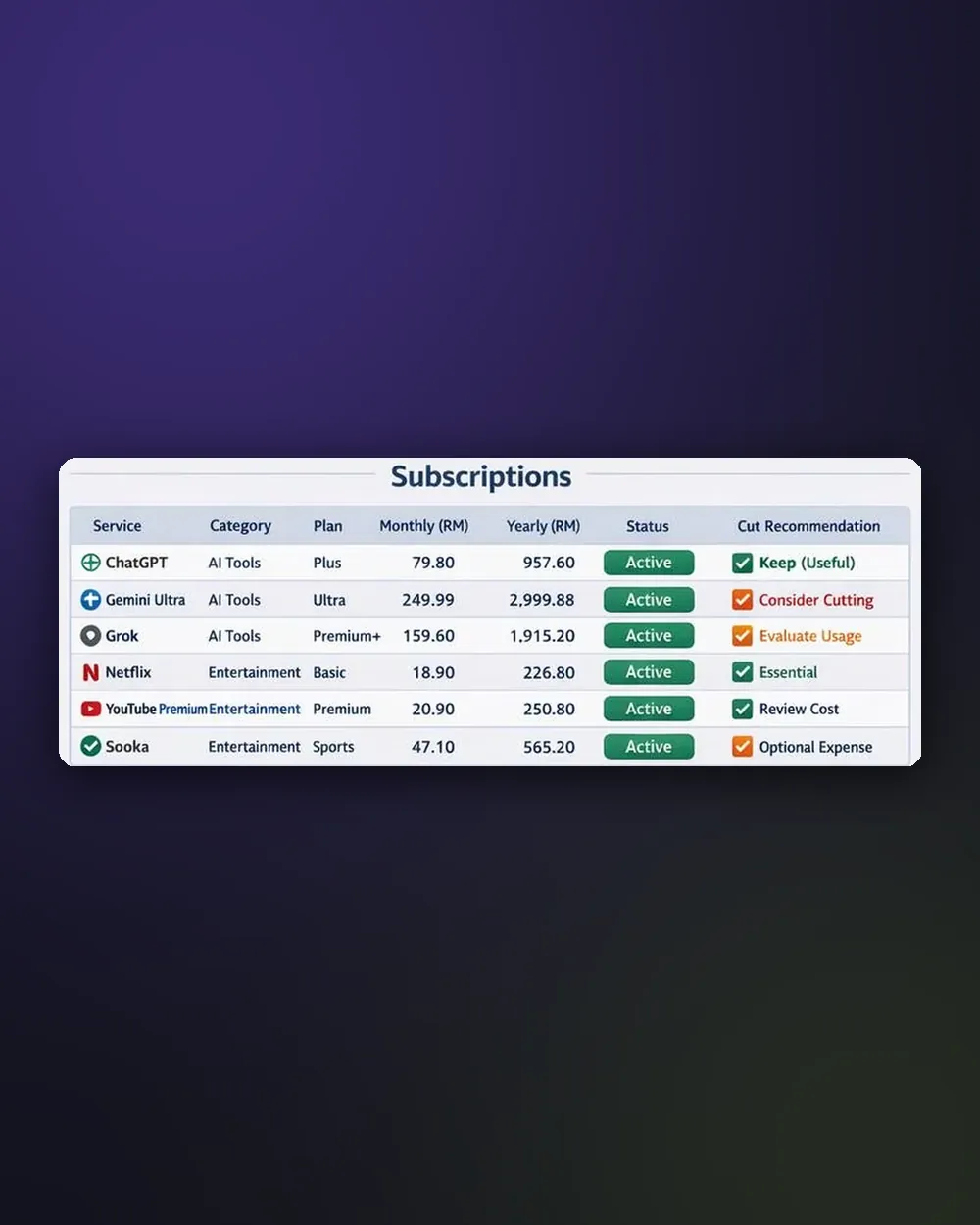
The real dashboard: budget, potential savings and category breakdown
What you get
Three connected sheets. You fill in two, the third works on its own.
Set your monthly subscription budget. Every budget figure on the dashboard follows this number.
List the service, category, plan and monthly price. The yearly total is calculated automatically.
Mark each subscription as active, and choose to keep it, evaluate usage or cut it.
Budget, monthly spend, remaining budget, active subscriptions and yearly total on one screen.
See which category takes most of the budget, for example AI tools or entertainment.
Your most expensive plans are listed so you know what to look at first.
How to copy the template to your Google Drive in one click, and download it as Excel.
Who is it for?
Paying for several AI tools for work? See what they really cost per month and per year.
Video, music and sport. See which ones are still worth it and which you rarely open.
Keep business software subscriptions separate and check their cost every month.
Gather the whole household’s subscriptions in one list so nothing is paid twice.
Set a monthly limit for subscriptions and check its status at a glance.
If you are comfortable with Google Sheets, you can start in minutes.
The irony
Many subscription tracking apps charge a monthly fee themselves. This template is a one time purchase and stays in your Google Drive.
Subscription Tracker
If you have trouble copying or using the template, contact me and I will help until it works in your Google account.
Contact me: hi@ammarrahimi.com
FAQ
Yes, a free Google account to copy the template into your own Google Drive.
Yes. Open it in the Google Sheets app on your phone or tablet, or in a browser on your computer. For the first setup, a bigger screen is more comfortable.
Yes. The included guide shows how to download the template as an Excel file.
The labels are in simple English, such as Monthly Budget and Category. You can write your services and categories in any language.
Yes. Once copied, the template is yours. Change categories, services and budget as you like.
No. Pay once and the template stays in your Google Drive.
Once your FPX payment is confirmed, the access link appears on your order status page and is emailed to you instantly.
Spend ten minutes filling in your list, and the dashboard shows what to keep and what to review.
Get the Template · RM15Secure payment via FPX online banking · Instant access by email