Tasks everywhere
In phone notes, on paper and in your head. Things slip through.
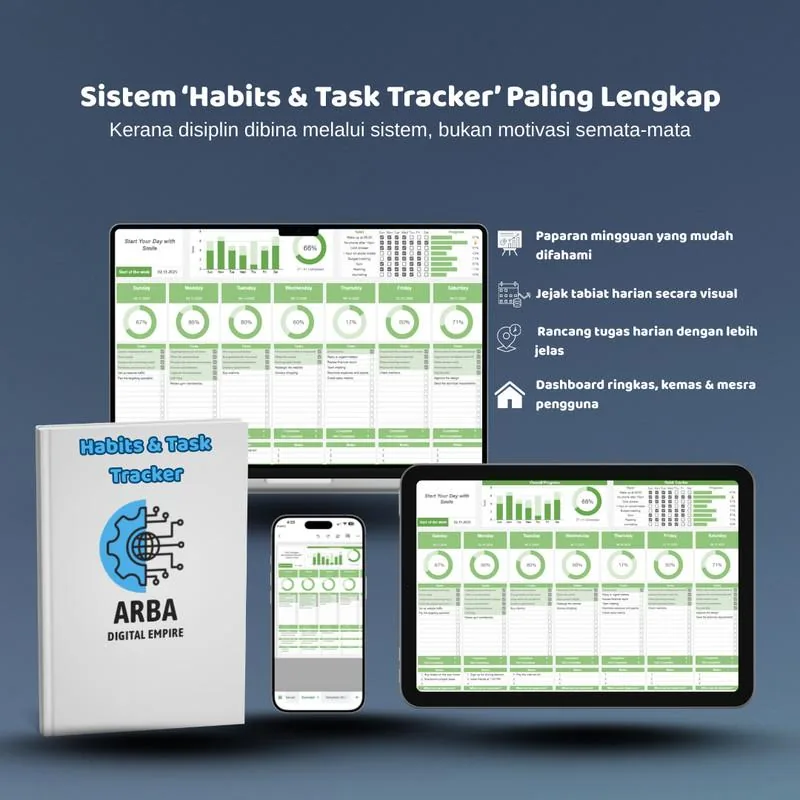
The Habits & Task Tracker keeps your daily tasks and habits on one screen, with a progress chart that updates itself. Tick the box and watch your progress climb.
Sound familiar?
The problem is usually not discipline. It is having no system that makes your progress visible.
In phone notes, on paper and in your head. Things slip through.
You did a lot, but it does not feel like it because nothing shows it.
You start strong, then forget after a few days.
Too many features, ads and subscriptions. You stop opening them.
The solution
Write your tasks, tick them when done, and the template calculates your completion and draws your progress chart automatically. No formulas to write, no new app to learn.
Look inside
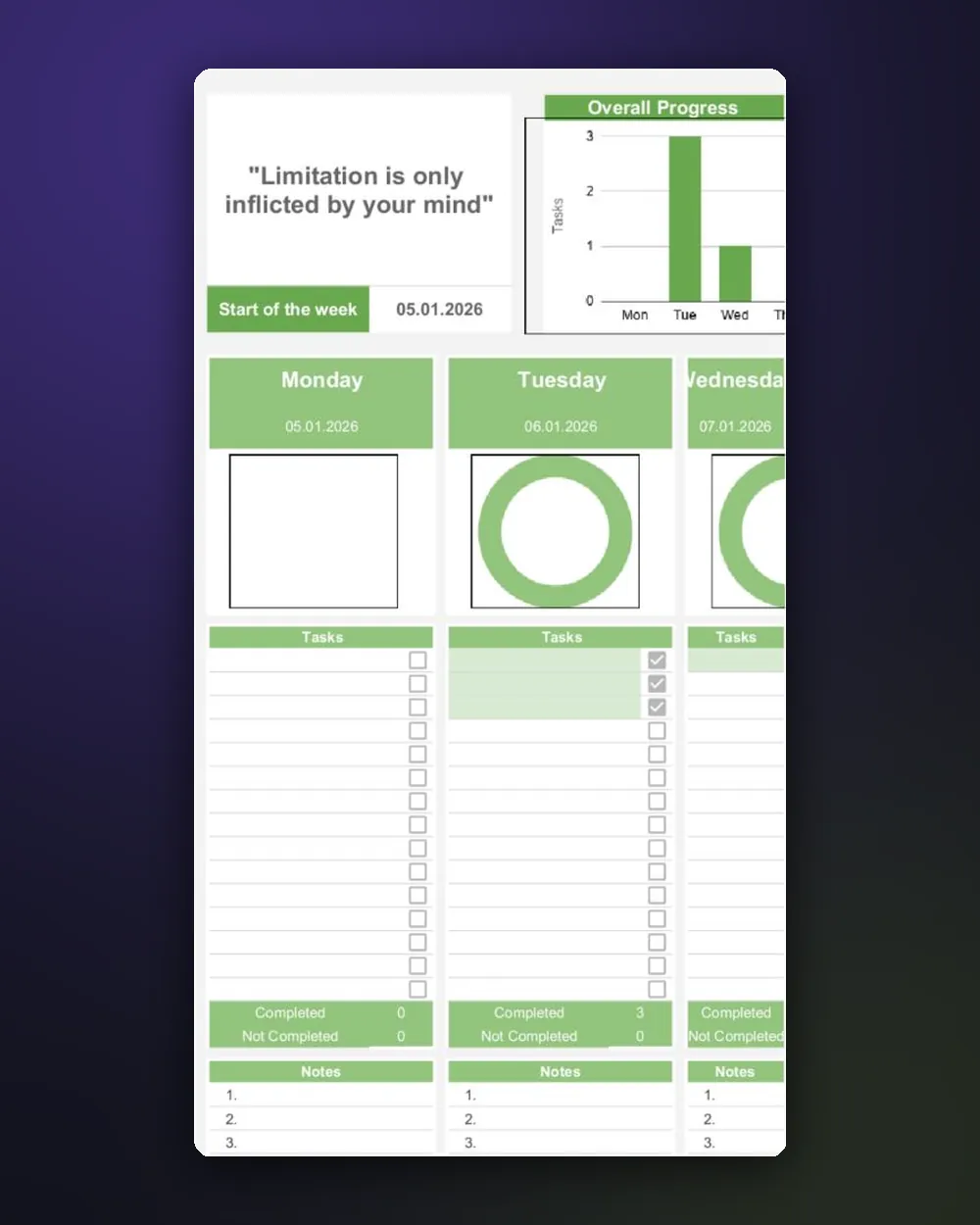
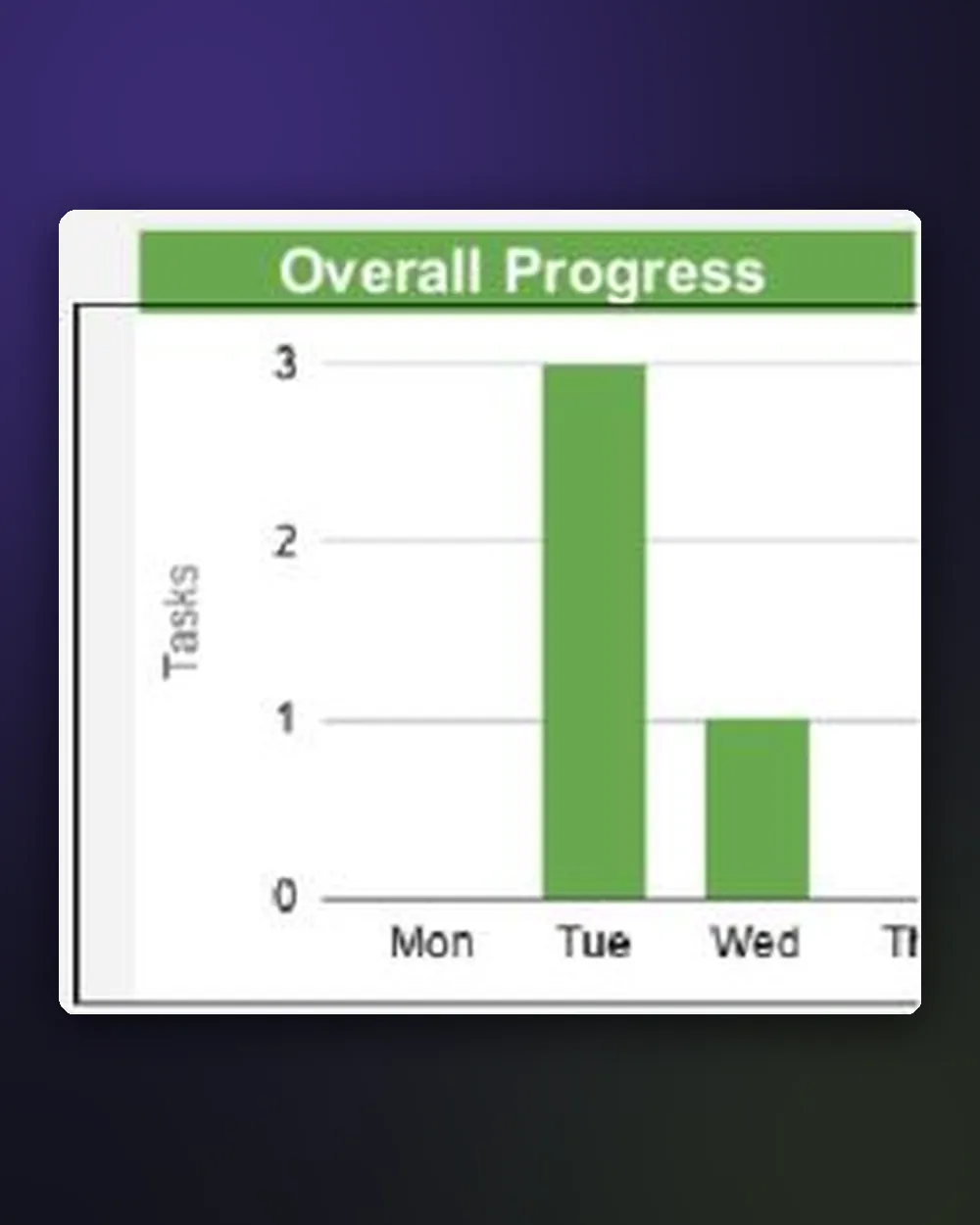
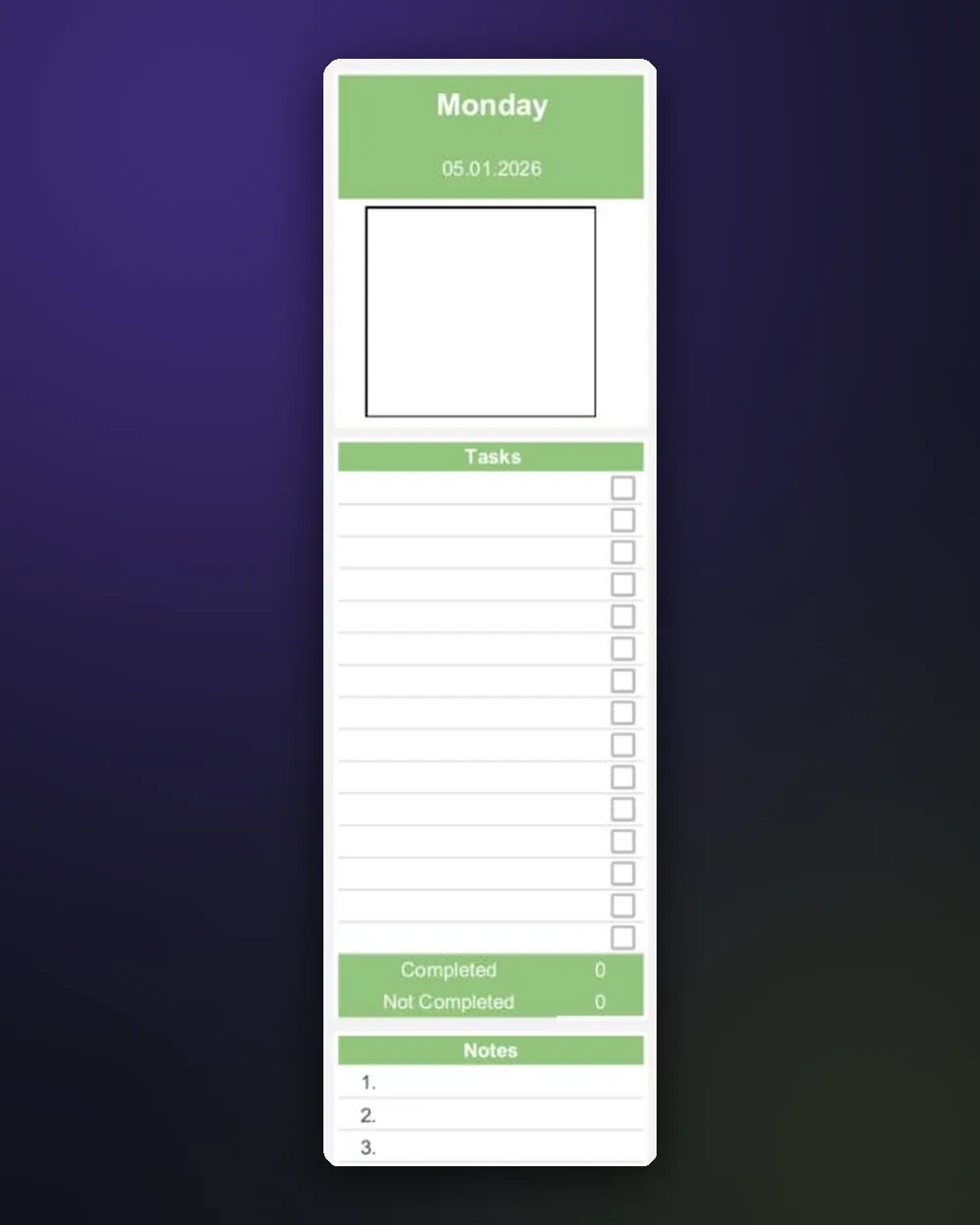
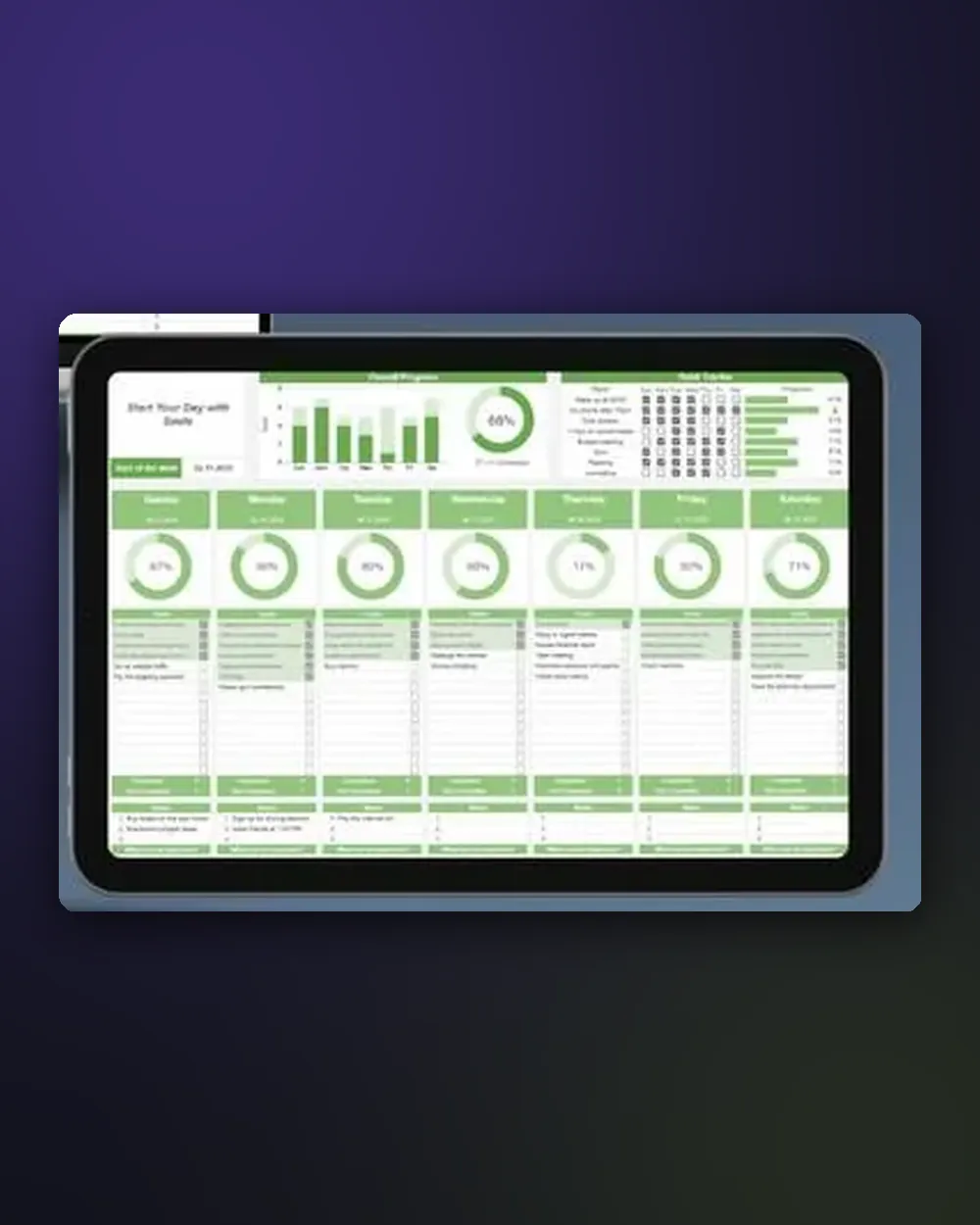
Weekly view: progress chart, completion rings and daily tasks
What you get
Everything you need to start tracking your habits and tasks today.
Seven columns, one per day, so you see the whole week at a glance.
The overall chart rises every time you tick a task.
See instantly how much of today is done.
Write a task or habit, tick it when done. Quick and simple.
Capture reflections, ideas or anything important each day.
How to copy the template to your Google Drive and download it as Excel.
Who is it for?
Reading, exercise, prayer or saving. Track daily and see your consistency.
Organise assignments, revision and routines in one place.
Get important tasks done without a complicated app.
Track daily work and see your productivity week by week.
Keep home routines and personal tasks in order.
If you are comfortable with Google Sheets, you can start in minutes.
Habits & Task Tracker
If you have trouble copying or using the template, contact me and I will help until it works in your Google account.
FAQ
Yes, a free Google account to copy the template into your own Google Drive.
Yes. Open it in the Google Sheets app on your phone or tablet, or in a browser on your computer.
Yes. The included guide shows how to download the template as an Excel file.
Yes. Once copied, the template is yours. Change tasks, habits and notes as you like.
No. Pay once and the template stays in your Google Drive.
Once your FPX payment is confirmed, the access link appears on your order status page and is emailed to you instantly.
Tick your first task today and let the progress chart do the rest.
Get the Template · RM15Secure payment via FPX online banking · Instant access by email