Downloaded the app, but no idea what to do
The interface is in Chinese and you do not know where to start.
The most complete guide to making viral AI videos with Jimeng AI and Seedance 2.0, straight from your Android phone. No PC. No camera.
Sound familiar?
Many Malaysian creators have tried, but these AI tools are still confusing.
The interface is in Chinese and you do not know where to start.
Wrong prompts, weird videos, free credits wasted.
Different faces in every clip, so you cannot build a series.
You have the idea but not the prompt to turn it into a video.
The solution
A step by step guide written for Malaysian creators: from installing Douyin and setting up your avatar to making videos ready to go viral.
Look inside
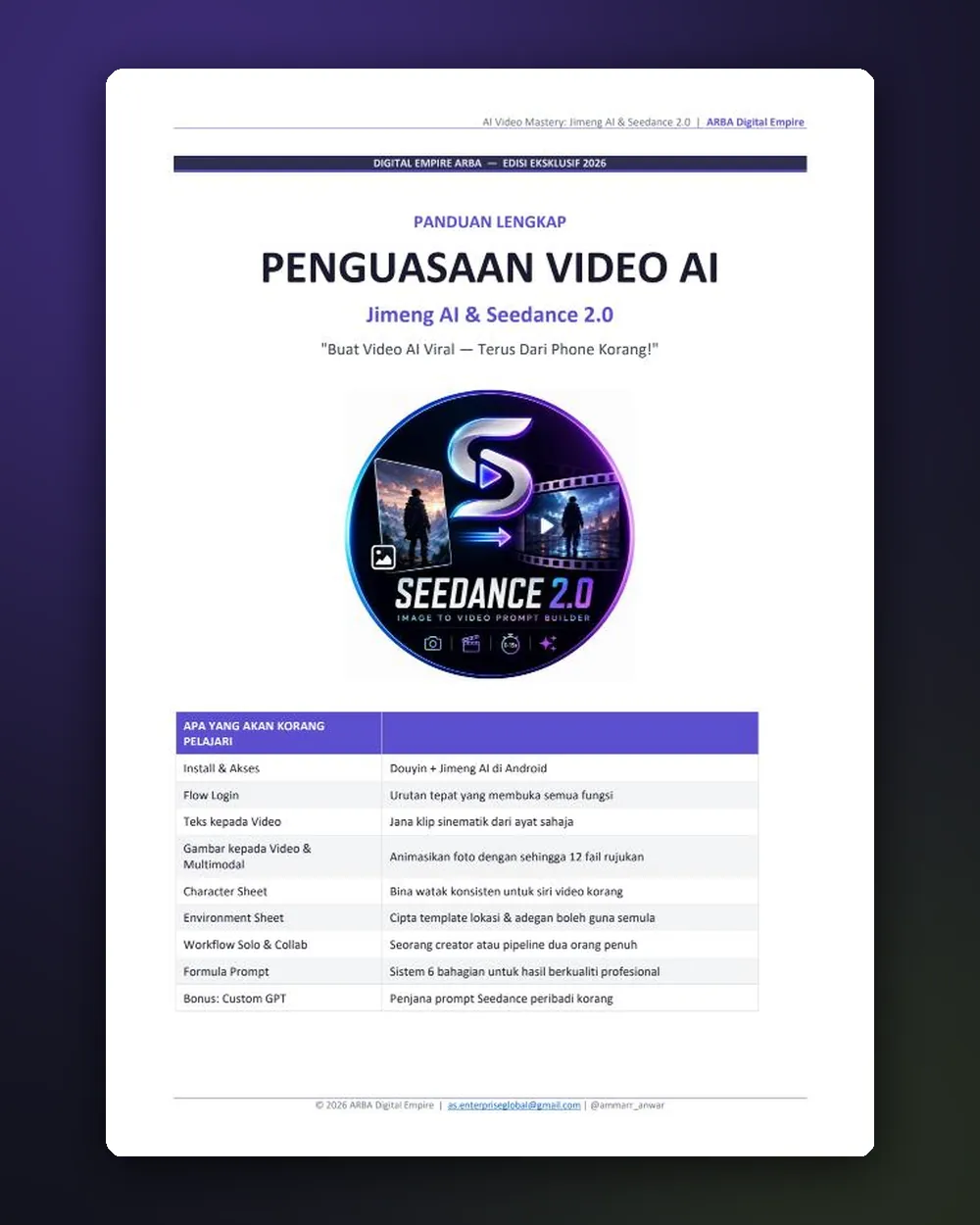
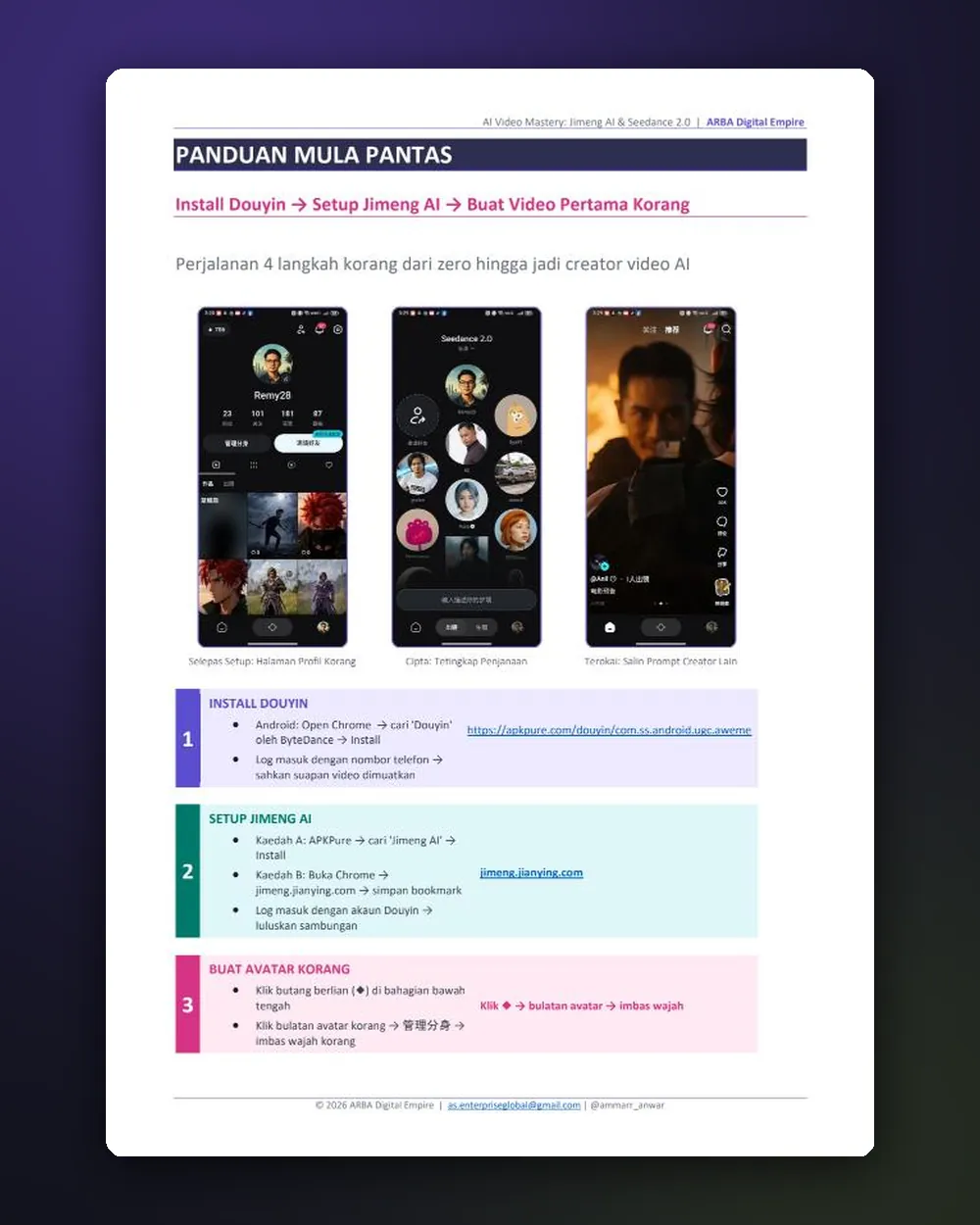
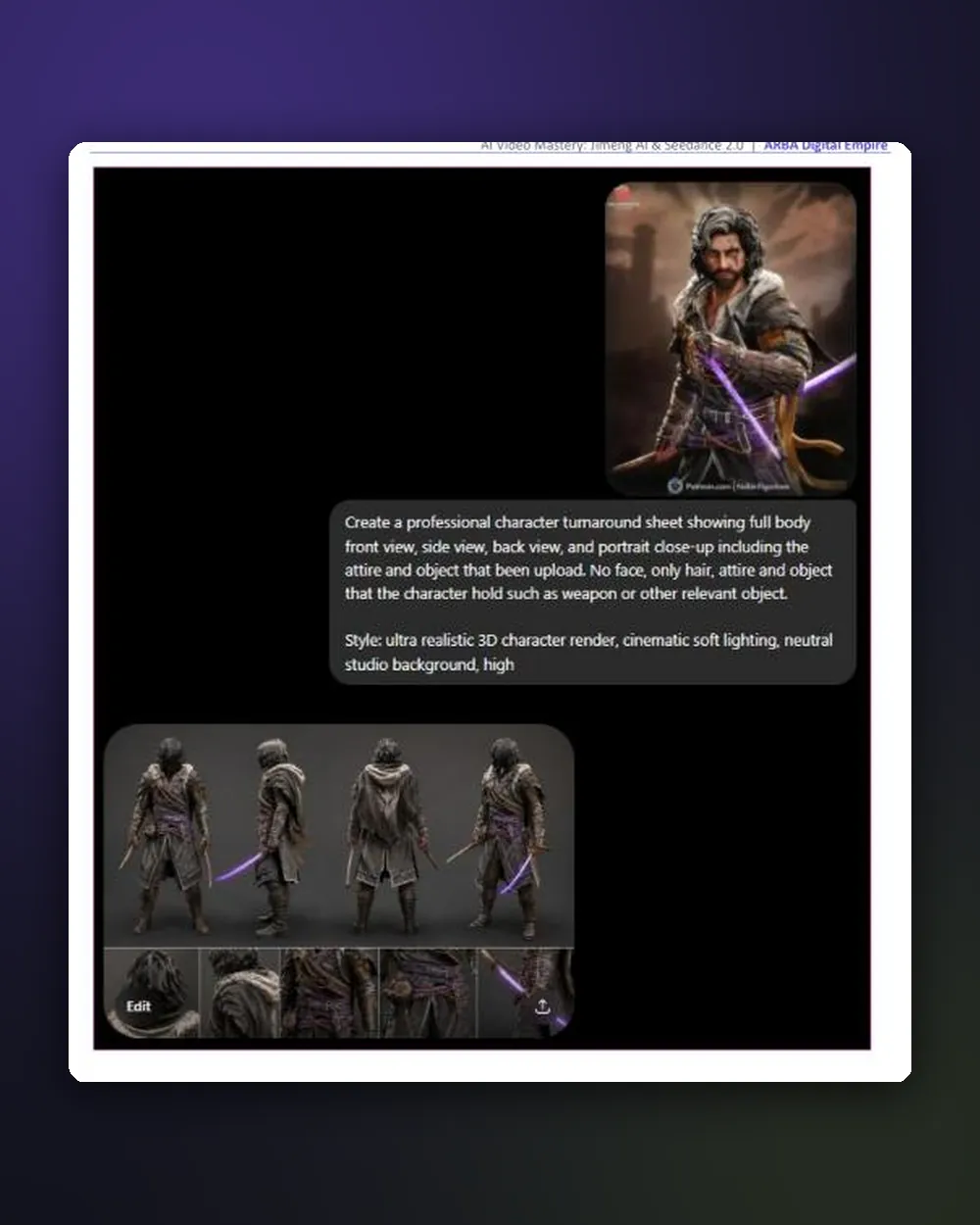
What you learn: from install to the prompt formula and Custom GPT
What you get
Every chapter takes you from zero to an AI video ready to upload.
How Douyin, Jimeng AI and Seedance 2.0 fit together.
Installing Douyin and Jimeng AI on Android, including region change.
The exact login order so every feature unlocks.
The 3 main Jimeng AI screens: Profile, Video Feed and Generation.
Cinematic clips from a sentence. Ratio, duration and resolution settings.
Bring photos to life. Multimodal mode with up to 12 reference files.
Consistent characters for a series, people or products. Reusable template.
Consistent locations: real world, fantasy or product scenes.
The full pipeline from a blank idea to a finished clip.
A two creator pipeline for a consistent character series.
The 6 part formula: Subject, Action, Setting, Camera, Style, Quality.
10 habits that separate average creators from consistent ones.
Turns any image into a complete Seedance 2.0 prompt with timestamps, camera movement and visual style.
Who is it for?
Cinematic video without an expensive camera.
Pro looking product videos without hiring a videographer.
Make your own video ads without an agency.
Step by step from the start. No video experience needed.
Consistent character series with Character and Environment Sheets.
Generate cinematic B-roll to fill footage gaps.
Real proof
My first video using these techniques: no camera, no studio, straight from my phone. The same Character Sheet, Environment Sheet and 6 part prompt formula you will learn.
Added value
Upload any image (a character, product or location) and this Custom GPT writes a complete video prompt: timestamp sequence, camera movement, subject motion and visual style. Use it directly in Jimeng AI or Dreamina. Opens with your ChatGPT account.
AI Seedance Video Mastery
This guide comes from real experience and every step was tested in Jimeng AI and Seedance 2.0. If you follow it properly and still cannot produce your first video, contact me and I will help you personally.
FAQ
Yes. Jimeng AI and Dreamina (the international version) give free daily credits when you log in. The guide shows how to get the most from them.
Not necessarily. The guide covers 3 ways in: Jimeng AI (via APKPure), Dreamina (web) and CapCut. Pick what suits your device and location.
A digital ebook in Malay, with an English version. Opens on phone, tablet or computer. The Character and Environment Sheet templates can be copied directly.
Instantly. Once your ToyyibPay payment is confirmed, the access link appears on your order status page and is emailed to you. Access never expires.
The Custom GPT opens through a ChatGPT link, so you need a ChatGPT account. Free accounts are subject to ChatGPT usage limits.
The guide is written for Android. On iPhone, Jimeng AI has install limits, but you can still use Dreamina in the browser.
Make your first AI video today, straight from your phone.
Get It Now · RM29Secure payment via FPX online banking · Instant access by email