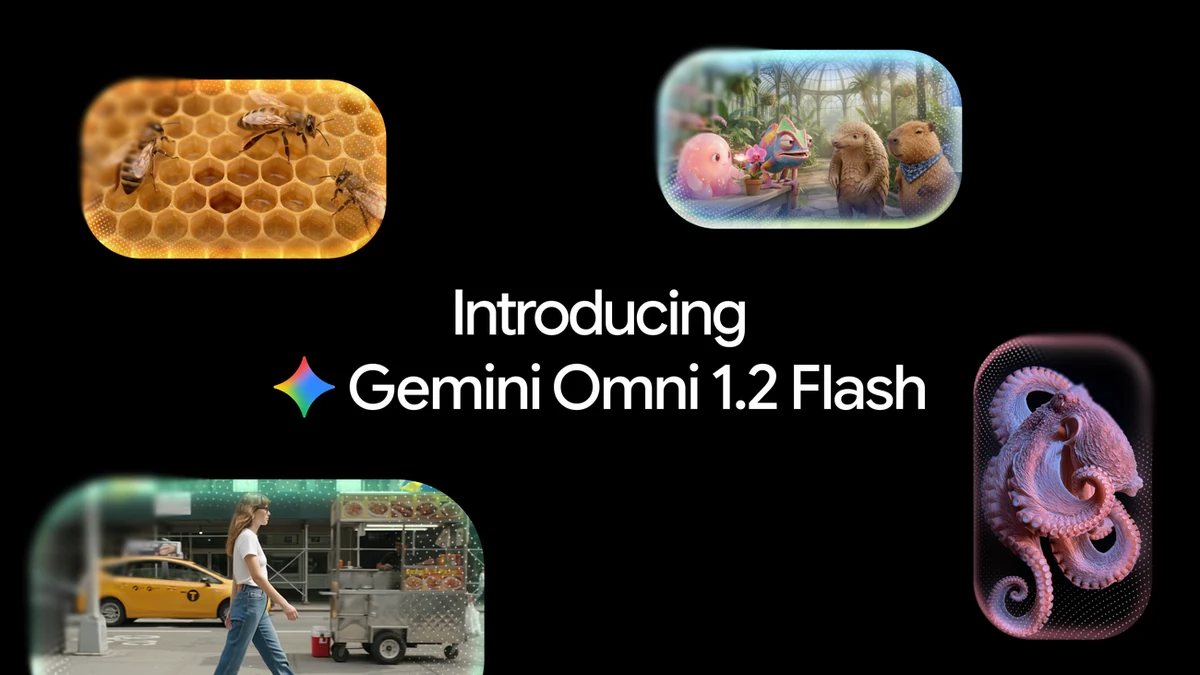
Google releases Gemini Omni 1.2 Flash, 15-second AI video at 30% lower cost
Google's new video model generates 15-second clips, supports conversational editing, and costs 7 US cents per second for 720p video.
Google DeepMind has launched Gemini Omni 1.2 Flash, a new generative video model that is now generally available to everyone. The announcement was made on 5 November 2026 through the Google blog and the Google Cloud blog. The model promises longer clips, better consistency, and a lower price than its predecessor.
1. Clips now up to 15 seconds
The previous version, Omni 1.1, stopped at 10 seconds. Omni 1.2 Flash natively generates video up to 15 seconds, and you can pick an exact duration from 3 to 15 seconds in one-second steps. Google says this is enough for a full social ad spot or product explainer in a single generation.
The Gemini API changelog also notes that clip extensions can add 3 to 10 seconds per turn, up to 30 seconds total length. That is separate from the native 15-second generation Google promotes in its main blog post.
2. The price drops 30 percent
The new price is 0.07 US dollars per second for 720p video, 30 percent less than Omni 1.1. Digital Trends calculates that a full 15-second 720p clip costs roughly 1.05 US dollars, though Google officially lists only the 720p rate.
The workflow changed to keep costs down too: draft fast at 360p or 720p, fix details with follow-up edits, and upscale only the best takes to 1080p or 4K.
3. Editing through conversation
The biggest shift in this update is multi-turn editing. You can swap a product, change the lighting or weather, or switch the aspect ratio without regenerating the clip from scratch. For ad designers, this removes the most expensive mistake in AI video: regenerating an entire clip to fix one detail.
4. Better consistency from start to finish
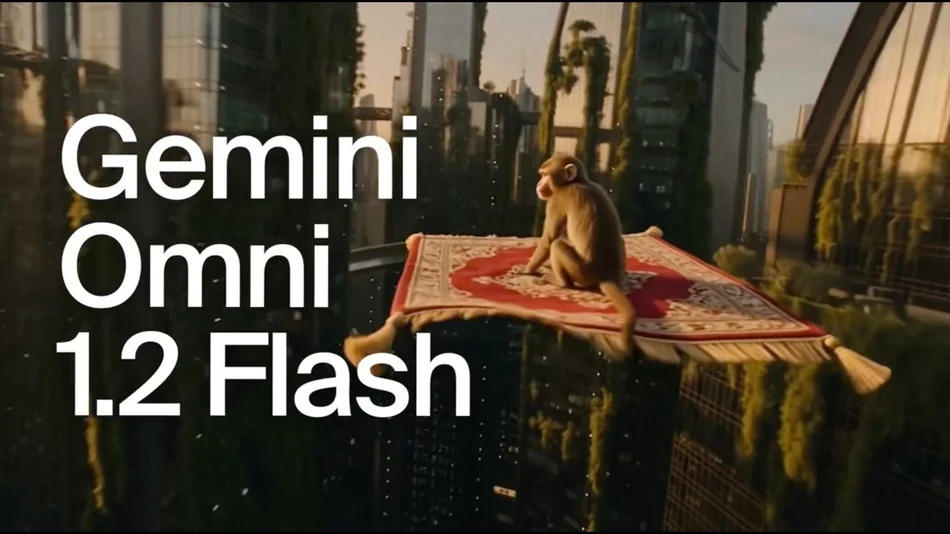
Google claims the model follows references more closely. You can combine character, product, or style images, short motion clips up to 3 seconds, and audio cues. The Gemini API changelog states up to 6 reference images are supported. Brand details like outfits, colors, and packaging text are said to stay stable across camera changes with less visual drift.
Audio is improved as well: more natural dialogue, clearer lip-sync, and more distinct multi-speaker voices. Every output carries a SynthID watermark that is imperceptible to viewers.
5. Where you can use it
Developers get the model through the Gemini API and Google AI Studio, and enterprise customers through Google Cloud. Regular users can try it in Flow, Google Ads, and Google Vids. In Google Vids, 15-second clips cost nothing extra with a personal Google account or a Workspace subscription, according to Digital Trends, while Google AI Ultra subscribers get it in the Gemini app.
What it means for you
AI video keeps getting cheaper and better. For small business owners and creators in Malaysia, that means short video ads that once required an editor can now be made yourself in minutes.
- Try Google Vids first. It is the cheapest way to test the model, with no extra charge if you already have a Google account or Workspace plan.
- Draft at low resolution. Generate at 360p or 720p while experimenting, then upscale to 1080p or 4K only for clips you will actually publish.
- Use conversational editing. Fix one detail with a follow-up instruction instead of regenerating the whole clip.
- Keep brand references handy. Upload product and character images so every clip stays consistent with your brand identity.
Sources
- Gemini Omni 1.2 Flash: Fast and cost-effective with longer clips (Google)
- Gemini Omni 1.2 Flash: Fast, cost-effective, and reliable video generation and editing now generally available (Google Cloud)
- Release notes: Gemini API (Google AI Studio)
- Google Gemini Omni 1.2 Flash Launched With Support for Clips Up to 15 Seconds Long (Gadgets360)
- Google is giving AI video creators longer clips, better editing, and fewer frustrating mistakes (Digital Trends)
- Gemini Omni 1.2 Flash now in Vids with 15-second generations and improved quality (Google Workspace Updates)