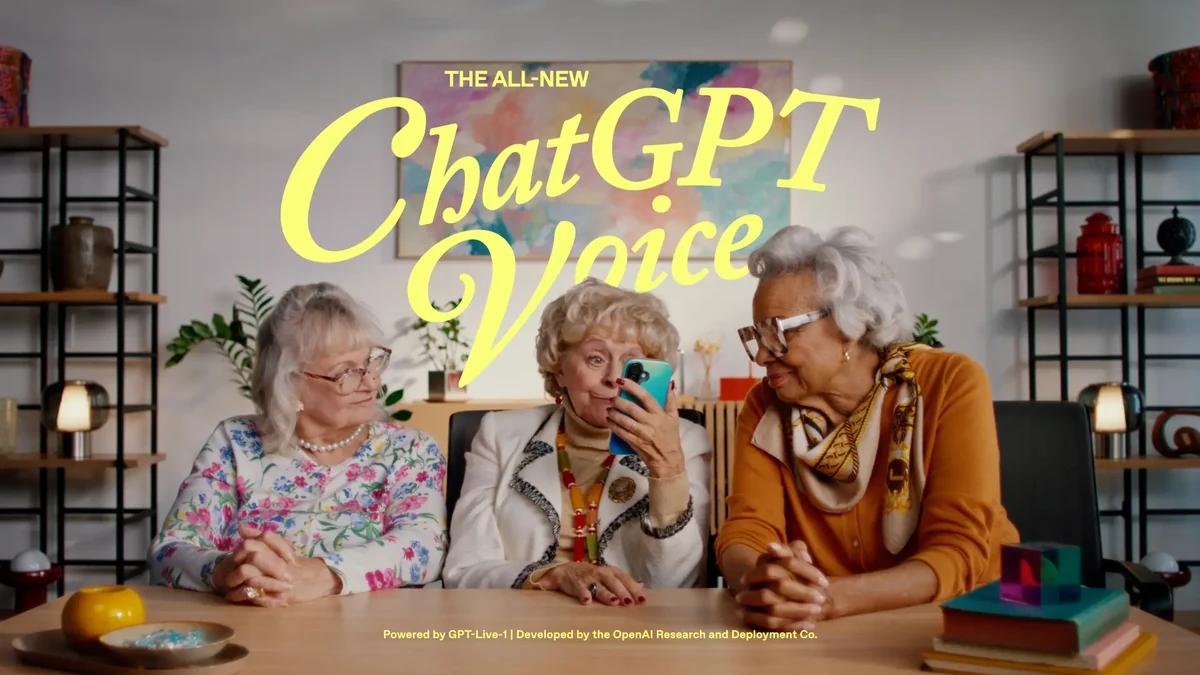
ChatGPT is retiring its Advanced and Standard voice modes on December 11, 2026
OpenAI has confirmed ChatGPT's old voice modes shut down on December 11, 2026, moving everyone to the Live voice powered by GPT-Live.
OpenAI has confirmed that the Advanced and Standard voice modes in ChatGPT will retire on December 11, 2026. After that date, anyone still using the older modes gets switched automatically to Live voice, powered by the GPT-Live model. The announcement appeared in the ChatGPT release notes on November 10, 2026.
1. What happens
Starting November 10, users began seeing notifications about the retirement. During the transition period, Advanced and Standard keep working as usual.
On December 11, 2026, both options disappear from the model picker under Settings, Voice. Conversations you had with the old modes stay in your chat history and can be continued in text or voice.
2. Why OpenAI is closing the old modes
OpenAI introduced GPT-Live in July 2026. According to the company, voice usage has nearly doubled since that launch, and virtually everyone using voice in ChatGPT now uses GPT-Live.
The official reasoning is simple: it is better to focus on one voice experience than to maintain three. Feedback from users of the old modes, OpenAI says, will feed into GPT-Live improvements in response depth and detail, continuity across conversations, and personalization.
3. The difference between the three modes
Standard is the oldest system. It chained three separate models together: one turns speech into text, another generates the answer, and a third converts it back into audio. The result is slow responses and lost information between voice and text.
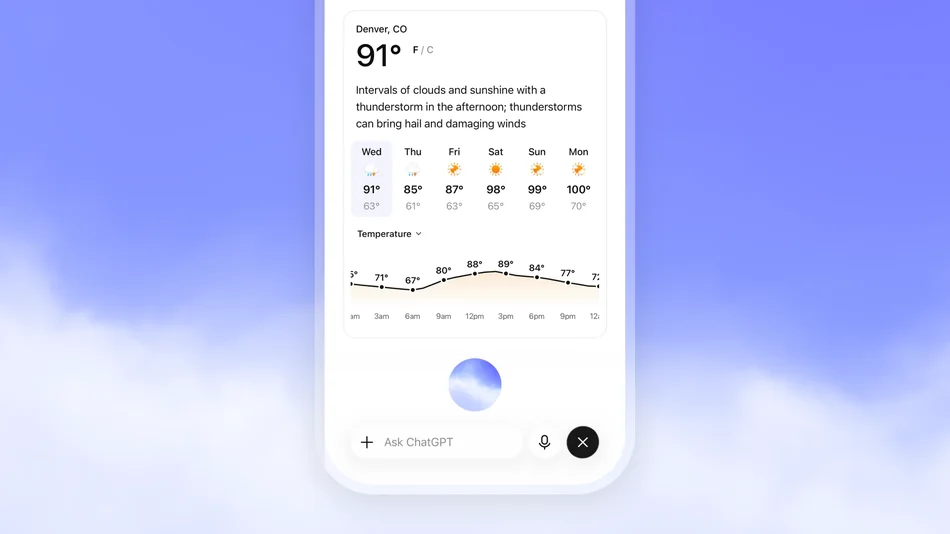
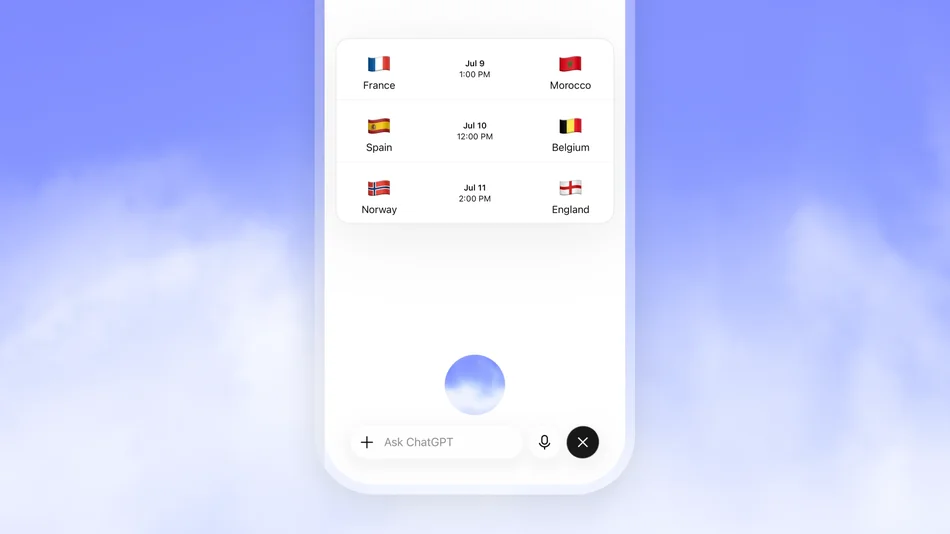
Advanced processed and generated audio natively, but it was still turn-based: the model waited for you to stop speaking before replying. GPT-Live is full duplex, meaning it can listen and talk at the same time, acknowledge you with short phrases like "mhmm", and hand complex questions to frontier text models in the background while the conversation continues.
4. What still depends on Advanced
There is an important exception. Live video and screen-sharing keep running on Advanced voice until GPT-Live supports those capabilities. So if you regularly share your screen while talking to ChatGPT, you are still on the old mode for that function for now.
Voice with custom GPTs also keeps using Advanced voice until its retirement on December 11, 2026. After that date, OpenAI's FAQ offers no alternative for it.
5. Nothing you need to do
This is one of OpenAI's quietest changes: no new pricing, no migration steps, no data loss. Users simply find the voice picker a little shorter after December 11.
For Business, Enterprise, Edu, and Healthcare workspaces, voice stays available subject to workspace settings. For linked teen accounts, parents and guardians can still manage voice access through Parental controls.
What it means for you
If you use ChatGPT voice, the practical impact is small, but a few checks before December 11 are worth two minutes.
- Check your current mode. Open Settings, Voice. If Advanced or Standard is selected, ChatGPT switches you to Live automatically on December 11.
- Use video and screen sharing now if you need it. That function still runs on Advanced. If GPT-Live does not support it by then, it goes away temporarily.
- Your history is safe. All old voice sessions stay in your chats and can be continued in text or voice.
- Try GPT-Live early. It listens and speaks at the same time, so conversations feel faster than the turn-based modes.
Sources
- Retiring Advanced and Standard Voice in ChatGPT (OpenAI Help Center)
- ChatGPT release notes, November 10, 2026 (OpenAI Help Center)
- OpenAI to discontinue old ChatGPT voice modes from Dec 11 (The Economic Times)
- ChatGPT Voice (OpenAI Help Center)