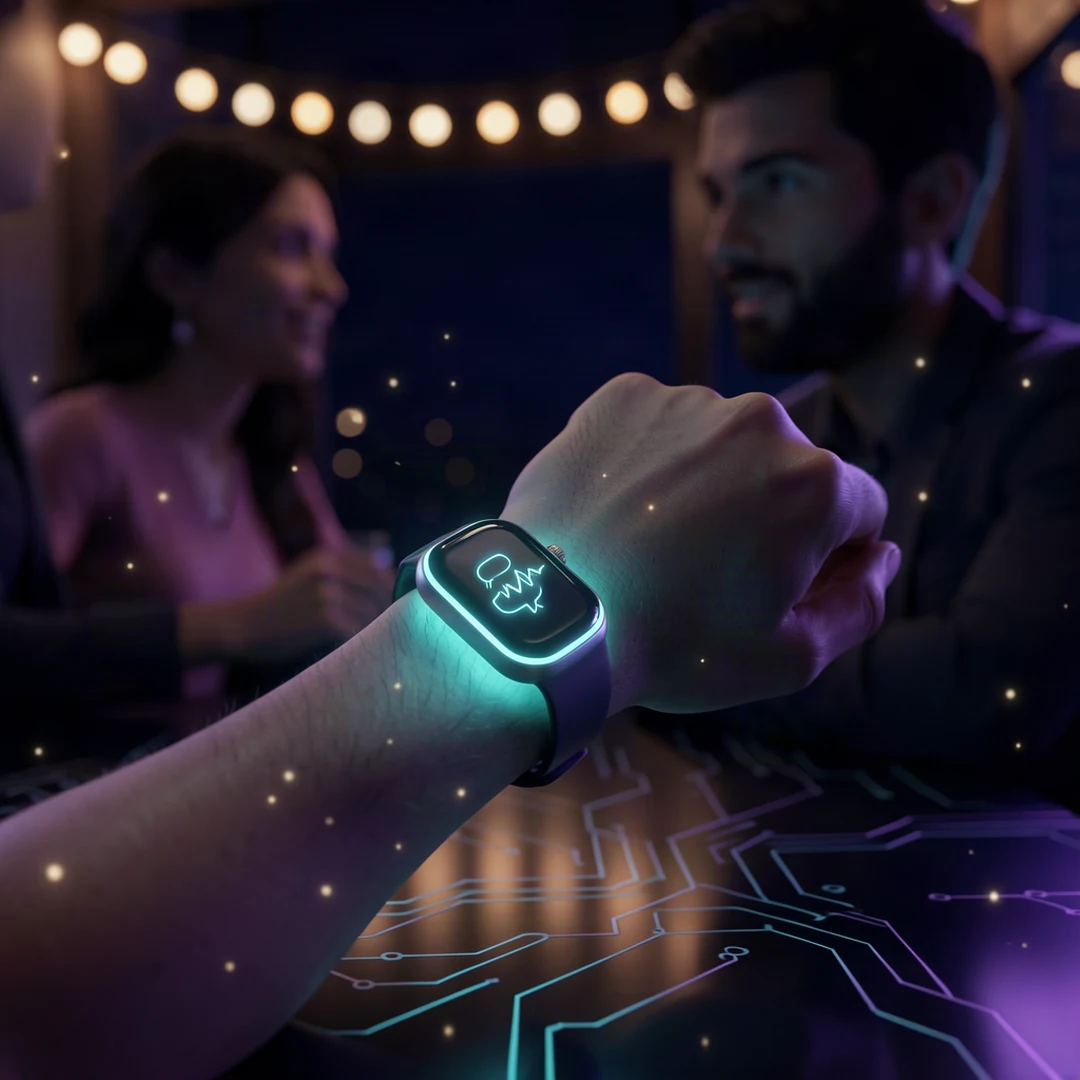
Apple Watch can now rewind your last 15 seconds of conversation
Apple has started beta testing Live Rewind and Siri Recap, two Apple Watch AI features that capture and summarize your conversations automatically.
If you have ever missed a waiter reciting the specials or directions given out loud, Apple now has an answer. On November 3, 2026, Apple released the watchOS 27.3 developer beta with two new Audio Intelligence features: Live Rewind and Siri Recap. Both were first announced at the company's September hardware event, and they now work on the Apple Watch Series 12 and Ultra 4.
1. What Live Rewind does
Live Rewind lets you see the last 15 seconds of a conversation as text. Double-press the Digital Crown on the watch and a text snippet appears on the display.
For example, if a waiter just listed the daily menu, you can read it back without asking them to repeat it. The snippet can be saved to the Siri app, or you can leave it alone. According to TechCrunch, unsaved snippets are deleted automatically after 30 seconds.
When you press the crown, the watch plays a chime and shows an animation even in silent mode. This marker is deliberate: it lets people around you know you just replayed what they said.
2. What Siri Recap does
Siri Recap works in the background. The watch listens to your conversations throughout the day and produces a short summary with a title and key points.
This is not a full transcript. Apple itself describes it as a high-level summary to jog your memory, not a word-for-word recording. Unsaved summaries are deleted within seven days, according to Apple's official support page.
You can schedule Siri Recap by time or location, for example "only at work" or "never at night". It can be switched off instantly from Control Center.
3. How Apple handles privacy
Apple knows a feature that listens to conversations is sensitive. According to MacRumors, no audio recordings are created or stored at all. Raw audio is processed in the Secure Exclave, an isolated compartment of the S11 chip inside the watch, and cannot be accessed by apps, the operating system or Apple itself.
For Siri Recap, condensed text from your iPhone is sent to Private Cloud Compute to generate the summary, then deleted immediately afterwards. No feature identifies or attributes speakers, so the text will never say "Ali said".
There are limits, though. Apple warns in its support notes that summaries can be incomplete or wrong, and important details may be missing. When accuracy matters, confirm with the people involved.
4. Who can use it, and when
The features require an Apple Watch Series 12 or Ultra 4 paired with an iPhone 16 or later, excluding the iPhone 16e, with Apple Intelligence enabled.
The first release is English only. According to Apple's support page, Live Rewind and Siri Recap are not initially available in the EU or China, and are not available to users under 18. watchOS 27.3 is expected to launch to the public in December alongside iOS 27.3.
The Verge, which tried the beta, found both features are off by default. You have to enable them yourself in the Watch app on your iPhone, and Live Rewind needs a microphone calibration first.
What it means for you
This is more than a smartwatch party trick. It signals where consumer AI is heading: not a chatbot you type into, but AI that listens and helps you remember passively, with privacy as the main selling point.
- If you have one of the latest Apple Watches, the feature arrives free with the December update. Nothing extra to buy.
- You can try it now if you are a developer or beta user, but expect bugs since this is a developer beta.
- AI summaries can be wrong. Do not rely on Siri Recap for critical details like prices, dates or medical instructions without verifying.
- The feature is not localized beyond English yet, so keep your devices updated so it is ready when more languages arrive.
- If the privacy of family or coworkers concerns you, note that the chime and animation are designed so people know when it is used.
Sources
- watchOS 27.3 Brings Live Rewind and Siri Recap to Apple Watch (MacRumors)
- Here's what it's like to use Audio Intelligence on the Apple Watch (The Verge)
- Apple Watch's AI features for rewinding and recapping conversations begin beta testing (TechCrunch via Yahoo)
- Apple Watch's new AI memory features are here with iOS 27.3 (Digital Trends)
- About Audio Intelligence features on Apple Watch Series 12 and Apple Watch Ultra 4 (Apple Support)