1Password lets AI agents sign in without ever seeing your password
1Password launched 1Password for Agents, a platform that lets AI agents like Muse and Grok Bot sign in to your accounts without ever seeing your password.
AI agents now want to do real work for you: book a table, manage bills, prepare expense reports. All of that needs one thing: signing in to your accounts. The old workaround was handing your password to the agent, and once you did, a copy lived somewhere you no longer controlled.
On October 22, 2026, 1Password announced a fix. Its new platform, 1Password for Agents, lets AI agents sign in to websites without ever seeing or storing your password. The feature is free for Individual and Family accounts.
1. How it works
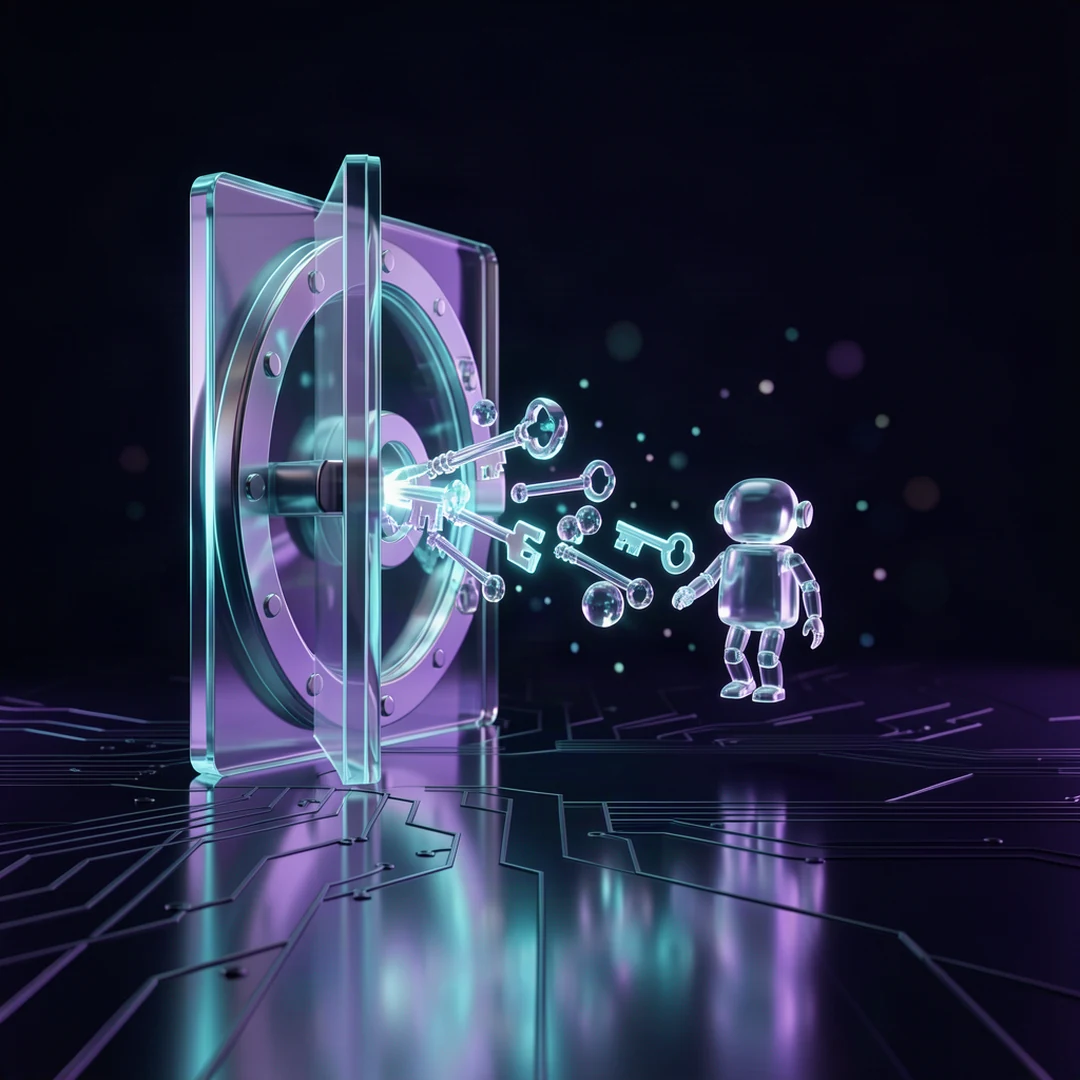
When an agent reaches a sign-in form, it stops and asks for permission. The agent identifies itself to 1Password with a unique digital key, not a password.
You then see a notification naming the account the agent wants and why. If you approve the request on your own device, 1Password itself fills the password directly into the sign-in form on the site. The password is never sent to the agent or the AI model.
Once the sign-in is done, the agent carries on with its task. Your password stays protected in your 1Password vault.
2. Supported agents
At launch, ready integrations include Muse from Meta and Grok Bot from SpaceXSI, rolling out over the coming days. Integrations for Claude Duet from Anthropic, ChatGPT Work and dots from OpenAI, and Townie from Town are coming soon.
1Password also lists additional partners in the works: Browserbase, Browser Use, Dana, Instinct, KERNEL, Perplexity, Ramp, Tomo and Wajo.
John Torrey, Chief Business Officer at 1Password, said customers decide which credentials an agent can use, for which task, and for how long. The agent, he said, cannot approve its own access.
3. Why it matters
Many people now use AI agents for daily tasks. The usual approach so far was pasting a password straight into an agent prompt, or saving passwords in notes the agent can read. Both leave copies of your credentials outside your control.
1Password for Agents changes that model. Access is granted per session, for the specific accounts you approve. You can disconnect an agent at any time, and when you change a password, connected agents keep using the current login without you updating it in multiple places.
4. Limits and risks
The feature currently covers Individual and Family accounts on 1Password.com only. Accounts on the regional servers 1Password.eu and 1Password.ca are not supported yet.
One thing to understand: the approval screen tells you which login an agent wants, not what it will do once it is inside. What the agent does in that account depends on the task you gave it. So start with low-risk accounts like shopping sites, not your bank.
What it means for you
- Never paste a password into a prompt. If your AI agent asks for your password directly, treat that as a warning sign. Use a password manager with agent support instead.
- Approve accounts one at a time. Grant access only for a specific task, for example a shopping site for an order, not every account at once.
- Wait for your favorite agent's integration. Claude Duet and ChatGPT Work are still coming. You can join the waitlist on the 1Password site.
- Keep rotating passwords as usual. With this system, a changed password is picked up by connected agents automatically, so regular password changes stay worthwhile.